File-based operations in MuleSoft

Overview File-based operations are still a key part of many integrations and MuleSoft’s File module makes working with files simple and reliable. This article gives a quick overview of how …
Overview File-based operations are still a key part of many integrations and MuleSoft’s File module makes working with files simple and reliable. This article gives a quick overview of how …

Overview In real-world MuleSoft projects, applications rarely run in just one environment. We usually have DEV, QA, UAT, and PROD, and each environment has its own values for things like …

Overview Database connection pooling in MuleSoft optimizes how Mule applications handle database connections by reusing existing ones instead of creating new connections for every query. It ensures better performance, resource …

Overview As your MuleSoft applications grow, you’ll quickly notice one big challenge — reusing the same configurations across multiple projects. Each Mule app might need its own HTTP Listener, Database …

Overview Object Store in MuleSoft is a built-in storage mechanism that allows applications to store and retrieve data in a key-value format. It is particularly useful for persisting states, caching …

Overview The Database Connector in MuleSoft acts as a powerful bridge between Mule applications and relational databases, enabling developers to perform operations such as querying, inserting, updating, and deleting data …
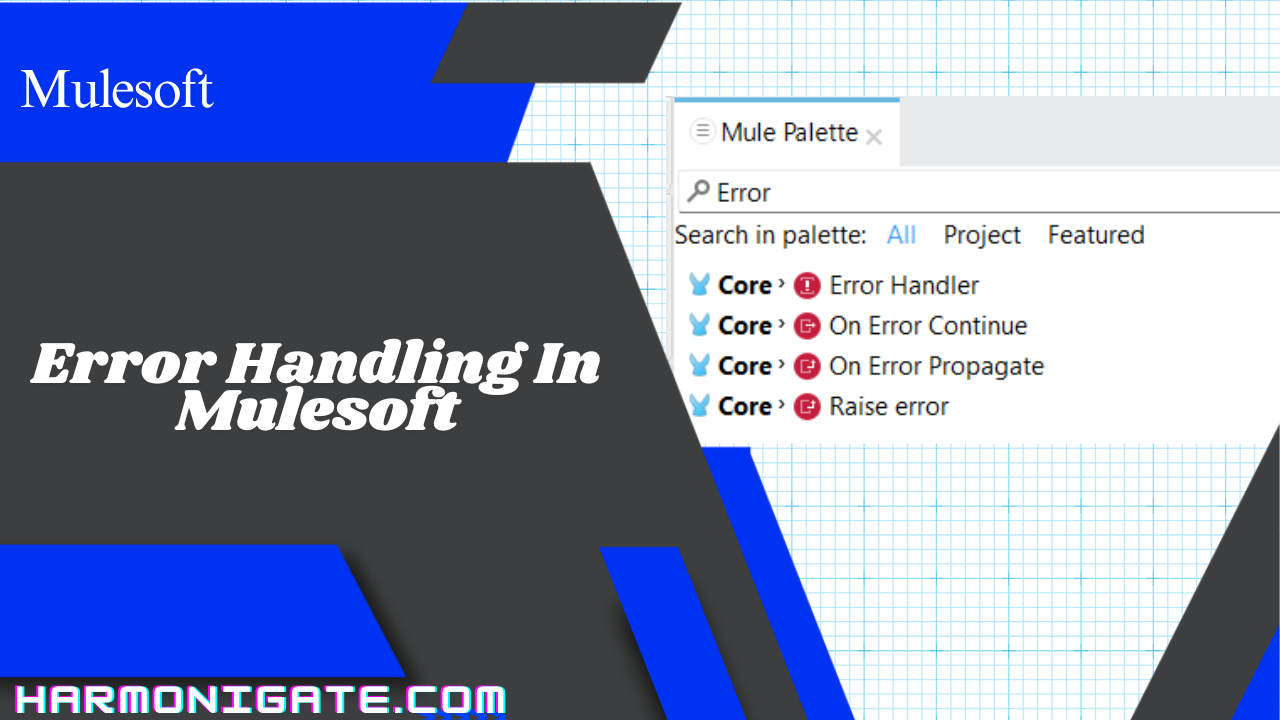
Overview When building integrations in MuleSoft, things can and will go wrong — APIs might be down, input data might be malformed, or a system might respond too slowly. That’s …

Overview Deploying and managing Mule applications efficiently is a key aspect of any integration project. While Mule Standalone Runtime provides a way to run applications locally or on-prem, it often …

Overview Deploying a Mule application to a standalone Mule runtime is an essential step when moving from development to a real-world production environment. While AnypointStudio provides a powerful interface to …